
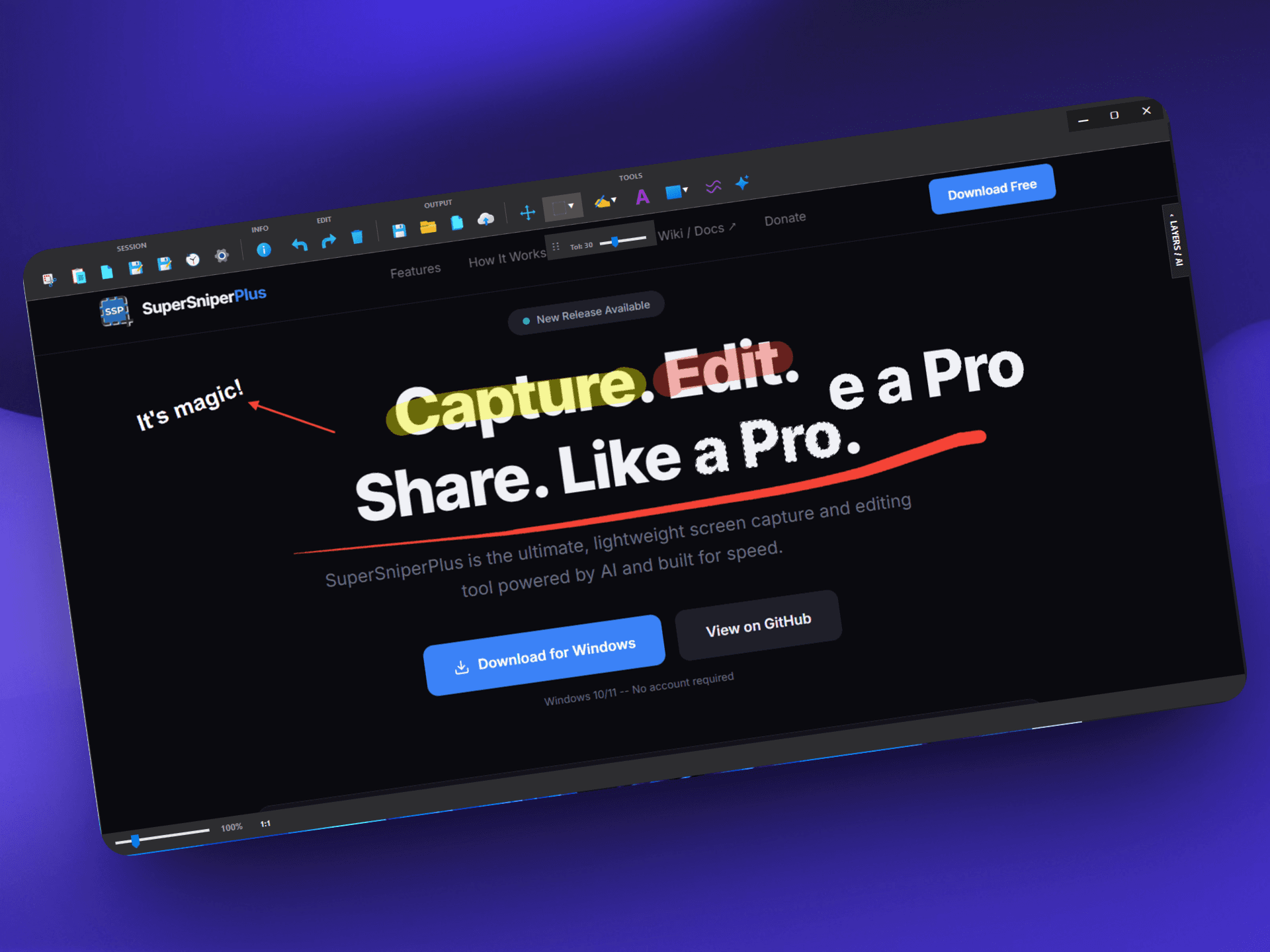
Capture. Edit. Share. Like a Pro.
SuperSniperPlus is the ultimate, lightweight screen capture and editing tool powered by AI and built for speed.
Windows 10/11 -- No account required
SuperSniperPlus v26.04.01
What's new:
Features
A complete studio in your pocket
SuperSniperPlus replaces the need for heavy software. It packs professional editing tools, AI generation, and smart layers into a lightweight app.
Smart Capture
Capture any area of your screen with precision. Full multi-monitor support built-in and lightning fast.
AI Magic Eraser
Powered by Stability AI. Select any unwanted object, text, or background and watch the AI seamlessly reconstruct the image behind it.
Layer Management
A non-destructive workflow. Every brush stroke, text, and shape is an independent layer you can group, hide, or duplicate.
Advanced Selection
Magic Wand, freehand lasso, and polygonal tools. Select exact areas to paint inside clipping masks without bleeding over edges.
Instant Cloud Upload
Upload directly to ImgBB in one click. Instantly generates shareable links in HTML, Markdown, or BBCode formats.
Pro Annotations
Draw arrows, rectangles, circles, lines, or use the highlighter. Add text with custom fonts, colors, and background opacity.
Privacy First
Built-in pixelate tool with adjustable intensity to hide sensitive information from your screenshots instantly.
Contextual UI
A clean interface with a smart floating toolbar that shows editing tools and color pickers only when you need them.
Visual History
Quickly browse, recover, and re-edit your previous captures. Never lose an important screenshot again.
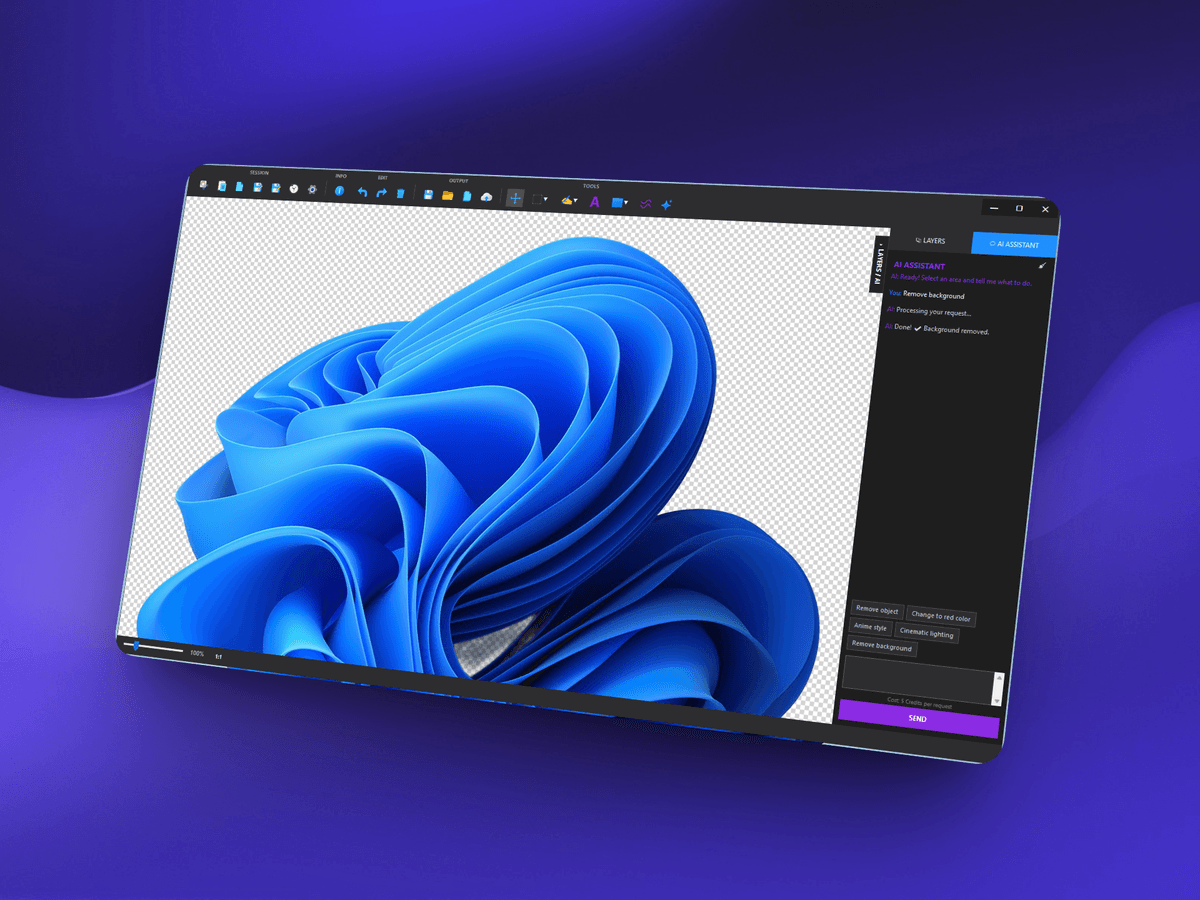
AI & Smart Selections
Isolate elements with the Magic Wand and erase them with AI.
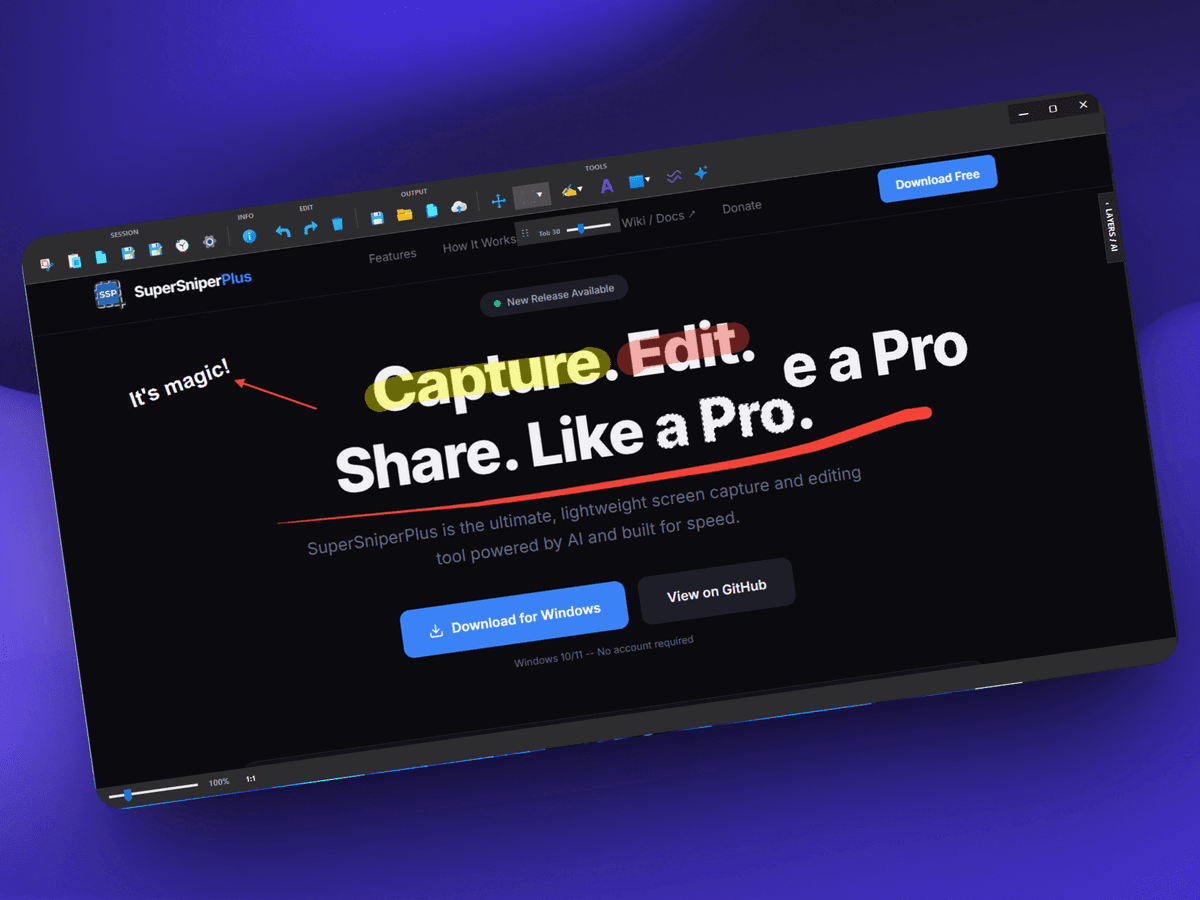
Rich Annotations & Layers
Edit non-destructively. Move, group, or delete independent layers.
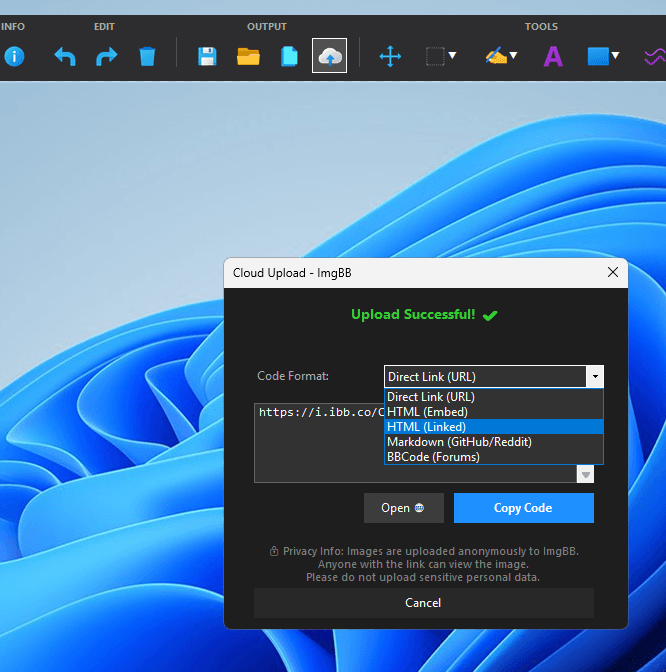
One-Click Cloud Share
Upload to ImgBB instantly and get markdown-ready links.
How It Works
Three steps. Endless possibilities.
From a simple screenshot to a polished, AI-enhanced image ready to share anywhere on the web.
Capture & Select
Press Alt + S to freeze your screen. Click and drag to capture any region across multiple monitors with pixel-perfect precision.
Edit & Enhance
Work non-destructively with layers. Add annotations, isolate areas with the Magic Wand, or let the AI Magic Eraser remove unwanted objects instantly.
Export & Upload
Hit Ctrl+C to copy to your clipboard, save it locally, or use the Cloud tool to instantly upload your image and generate ready-to-use Markdown or HTML links.
Keyboard Shortcuts
Built for speed
Keep your hands on the keyboard. SuperSniperPlus is designed for power users who value efficiency.
Support SuperSniperPlus
This tool is 100% free and open-source. If it saves you time and improves your workflow, consider supporting its continuous development!
Bitcoin (BTC)
Network: BEP200xa3caa87a6a7094e61fa1d04ad1ef8bec3319d517
Tether (USDT)
Network: TRC20TJyjiQnXJbsvNmHyt5FSdNrPRSQab8T5Vo
Ready to upgrade your workflow?
Join the users who have already switched to SuperSniperPlus.
Open source under MIT License